Image Captioning App Written by Michael Wen
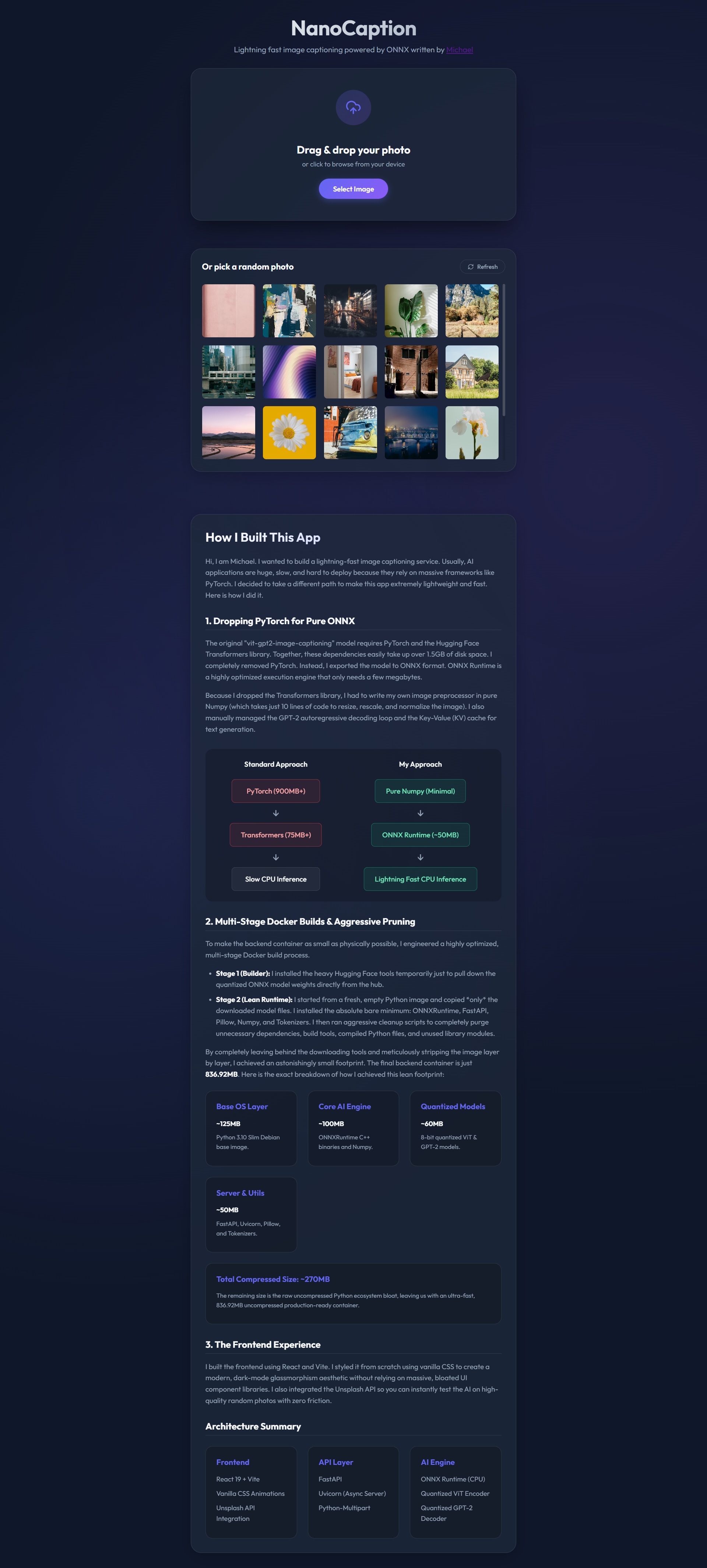
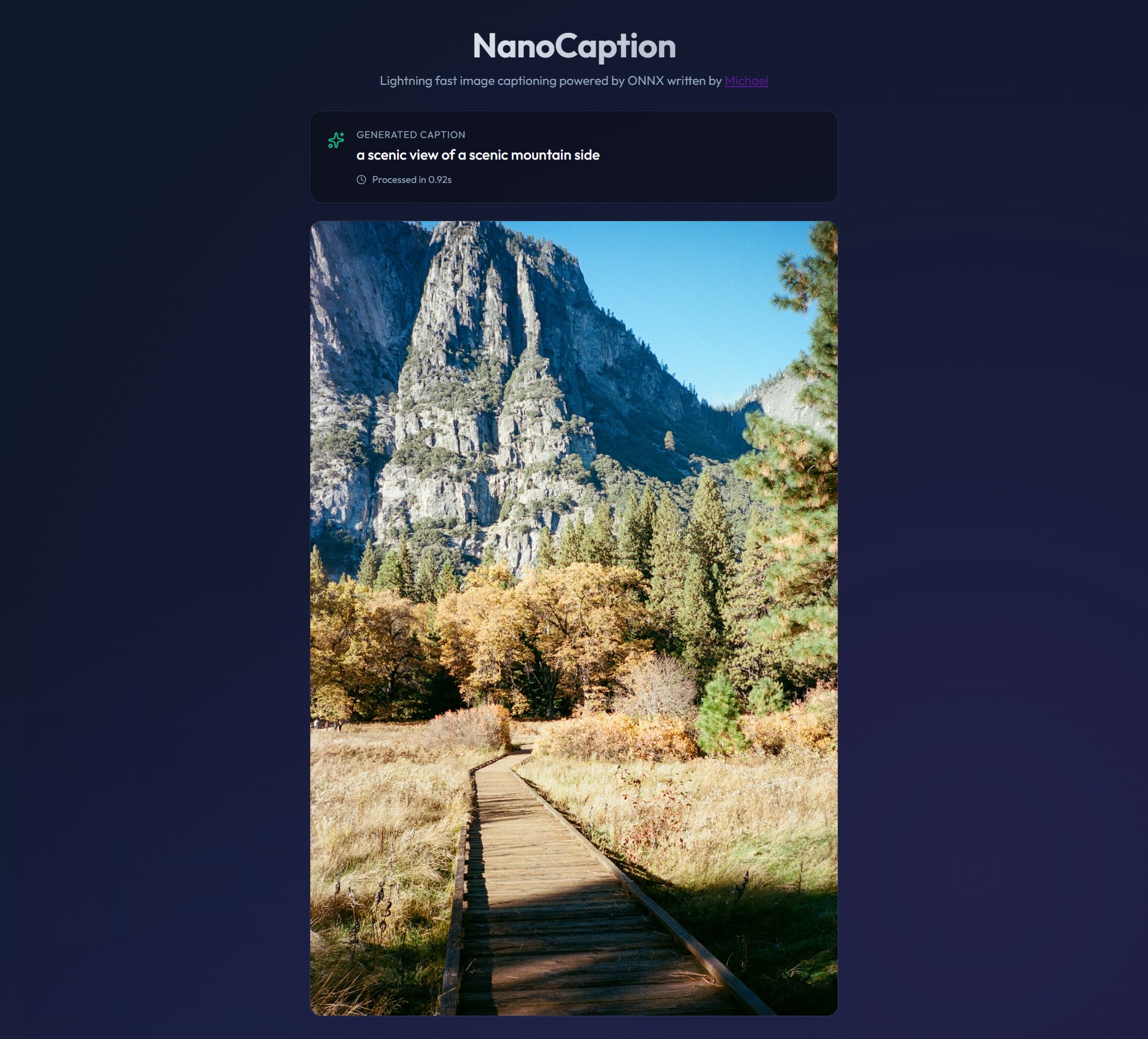
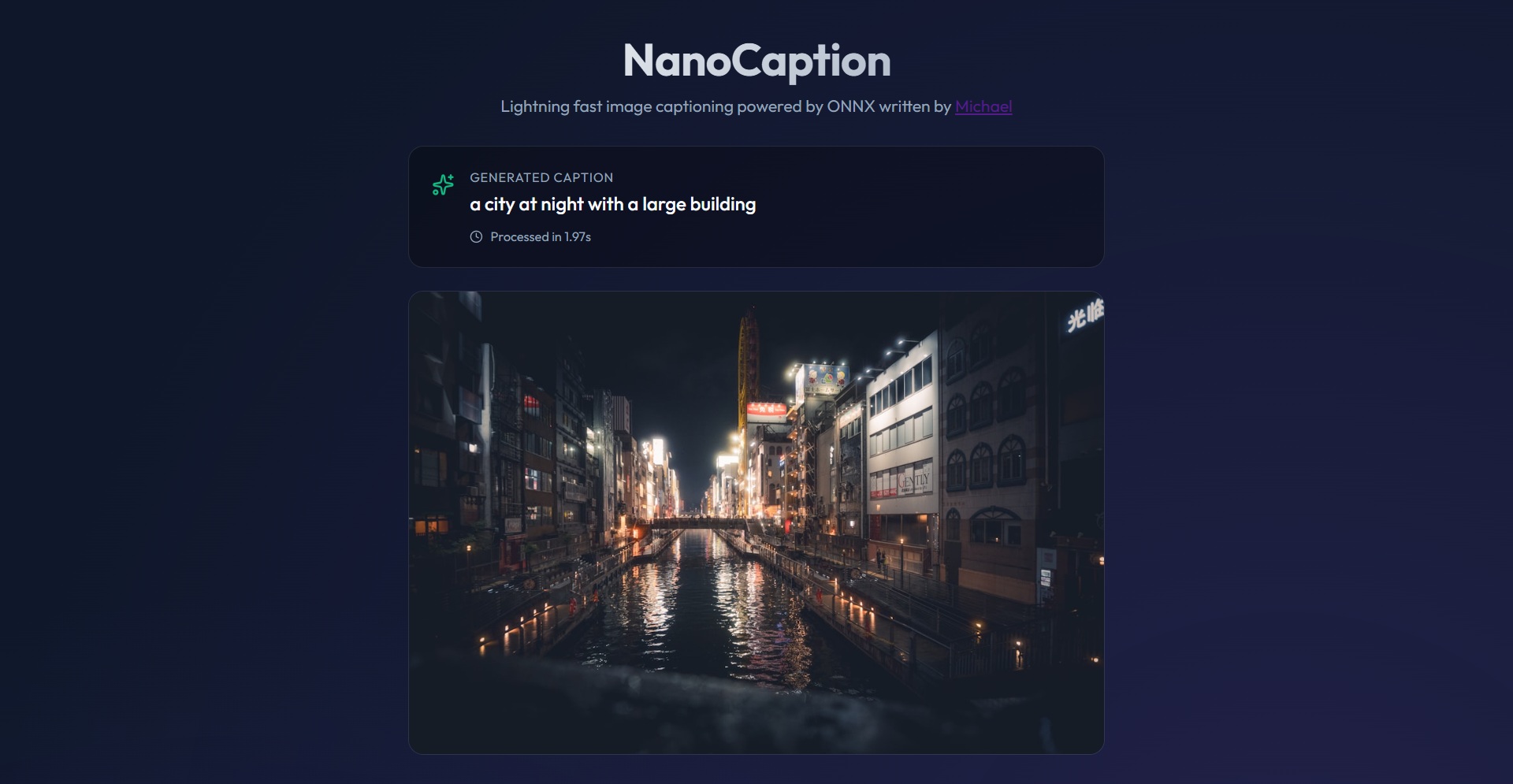
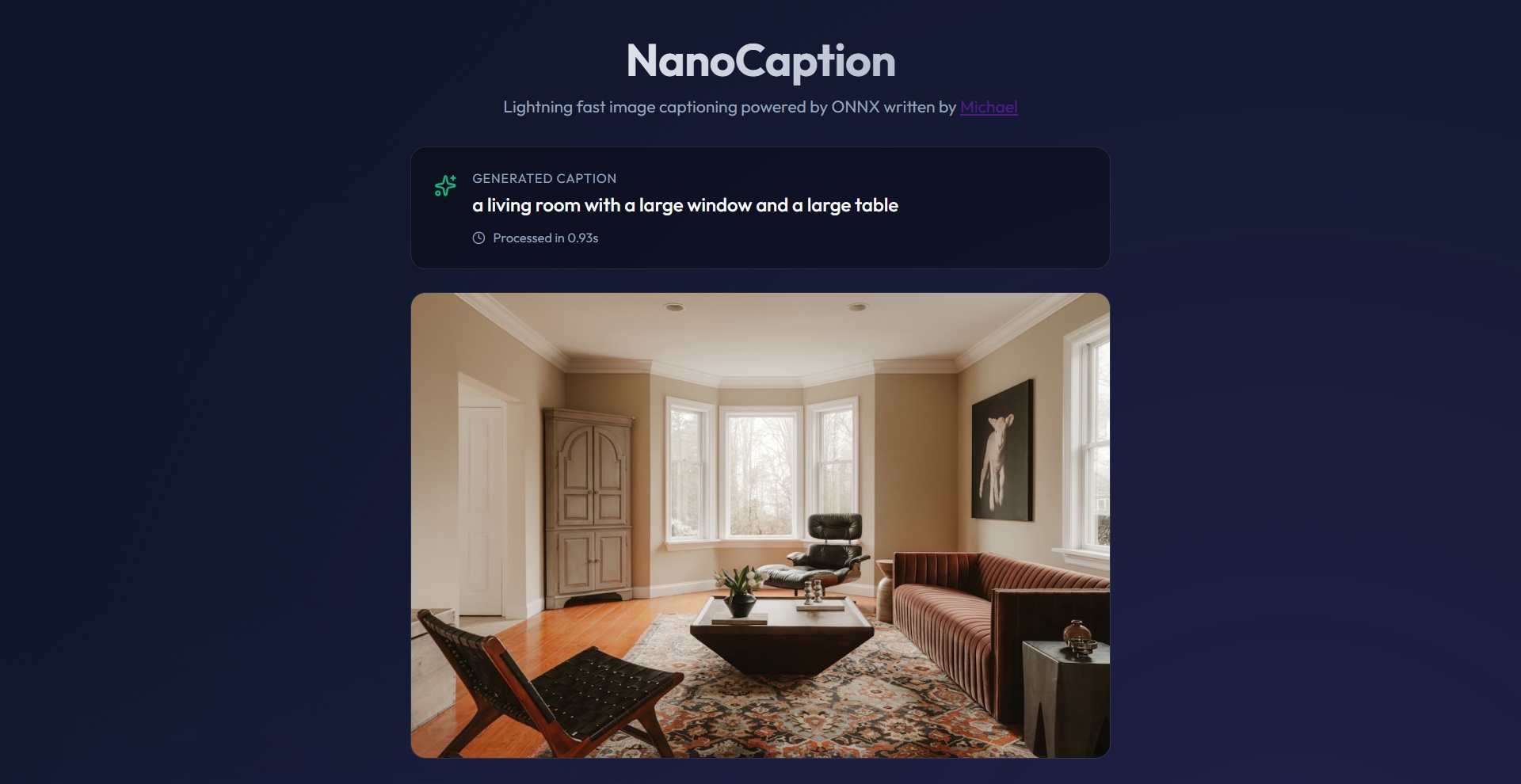
I wrote an AI-powered image captioning app using vit-gpt2-image-captioning AI model, all by myself. Here's a demo:Here's the app UI:
NanoCaption: How It Works
Introduction
NanoCaption is a lightning-fast image captioning tool. I built it to be small enough to run on almost any computer. Most AI apps need PyTorch and are bigger than 1.5GB. NanoCaption is only about 837MB and runs on CPU only.The Frontend (The Look)
The user interface is built with React 19 and Vite. I used simple CSS to make it look modern.- Upload: You can drag and drop your own photo.
- Unsplash: You can click a random photo from the Unsplash API.
- Selection: When you pick a photo, I fetch the image data as a Blob and send it to the backend.
The Backend (The Engine)
The backend uses FastAPI. It is very fast and uses Python 3.10.- Processing: When the backend gets an image, I use Numpy to prepare it.
- Resizing: The image is resized to exactly 224x224 pixels.
- Normalization: I subtract the mean and divide by the standard deviation so the AI can understand the pixels.
How the AI Thinks
Instead of heavy frameworks, I use ONNX Runtime. The AI model is called vit-gpt2-image-captioning. It is a special model that combines a vision expert (ViT) with a language expert (GPT-2).I chose the ViT Base model because it is the perfect middle ground. It is accurate enough to describe complex photos but small enough to run on a cheap 1-core VPS. Larger models are too slow, and smaller models are too forgetful.
I split the AI into two parts:
1. The Vision Encoder (ViT)
This part "sees" the image. It turns the pixels into a list of numbers called hidden states.
2. The Text Decoder (GPT-2)
This part "writes" the caption. It takes the hidden states and starts guessing words one by one.
Example Flow:
Step 1: Decoder gets hidden states.
Step 2: Decoder predicts first word: "A"
Step 3: Decoder takes "A" and hidden states, predicts: "cat"
Step 4: Decoder takes "A cat" and hidden states, predicts: "sitting"
...and so on until the caption is finished.
Extreme Optimization
I worked hard to make this app small. Here is how:- No PyTorch: I removed the 900MB PyTorch library. ONNX Runtime is much smaller and faster for CPU.
- Quantization: I converted the models to INT8 ONNX format. This makes the models 4 times smaller without losing much accuracy.
- Model Caching: The models are pre-baked into the Docker image. I download them once during the build phase. This means the app starts instantly and never needs to download anything from the internet at runtime.
- Multi-Stage Docker: I use a "builder" stage to download models, then a clean "runtime" stage for the final app.
- Aggressive Pruning: I deleted pip, setuptools, and many unused folders inside the container.
Docker Size Breakdown (Disk):
- Base OS: ~125MB
- AI Engine: ~100MB
- Models: ~60MB
- Utilities: ~50MB
- Python Bloat: ~500MB
Total Disk: 836.92MB
RAM Usage Breakdown (Memory):
- ViT Encoder: ~45MB
- GPT-2 Decoder: ~50MB
- Python Runtime: ~120MB
- ONNX Runtime Lib: ~60MB
- FastAPI Server: ~30MB
Total Container RAM: ~305MB
(Note: On Windows, Docker Desktop adds ~580MB of WSL2 overhead)
Technical Details
Here is the code structure of how I run the AI sessions:
# Loading the models
encoder = onnxruntime.InferenceSession("encoder_model.onnx")
decoder = onnxruntime.InferenceSession("decoder_model.onnx")

# Running the encoder
pixel_values = prepare_image(image)
encoder_outputs = encoder.run(None, {"pixel_values": pixel_values})

# Running the decoder loop
tokens = [start_token]
for i in range(max_length):
    logits = decoder.run(None, {"input_ids": tokens, "encoder_hidden_states": encoder_outputs})
    next_token = numpy.argmax(logits)
    tokens.append(next_token)
    if next_token == end_token:
        break
Useful Links
You can find more info here:Base Model on Hugging Face
ONNX Runtime Documentation
FastAPI Documentation
Any comments? Feel free to participate below in the Facebook comment section.
Enjoy the following random pages..
 This website gives you tips on technical subjects and general topics!
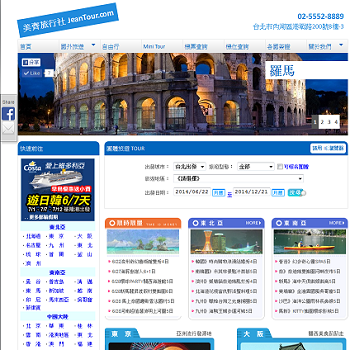 This website is for Jeantour, a travel agency in Taipei, Taiwan.
 This website is for San Francisco Taiwanese American Festival held annually.
 This program uses Google API to search for documents similar to the given one.

